GHRIS Payslip Kenya: How to Access Your Payslip and Resolve Login Problems
Need to check your government payslip but aren’t sure which website to use? Or perhaps you’ve forgotten your GHRIS password and can’t access your salary details. These are common problems for public servants in Kenya, particularly when they need a payslip urgently for a loan application, financial records, or personal use.
The good news is that you don’t always have to visit your HR office to get a copy of your salary statement. Through the Government Human Resource Information System (GHRIS), eligible public service employees can access their employment and payroll information online.
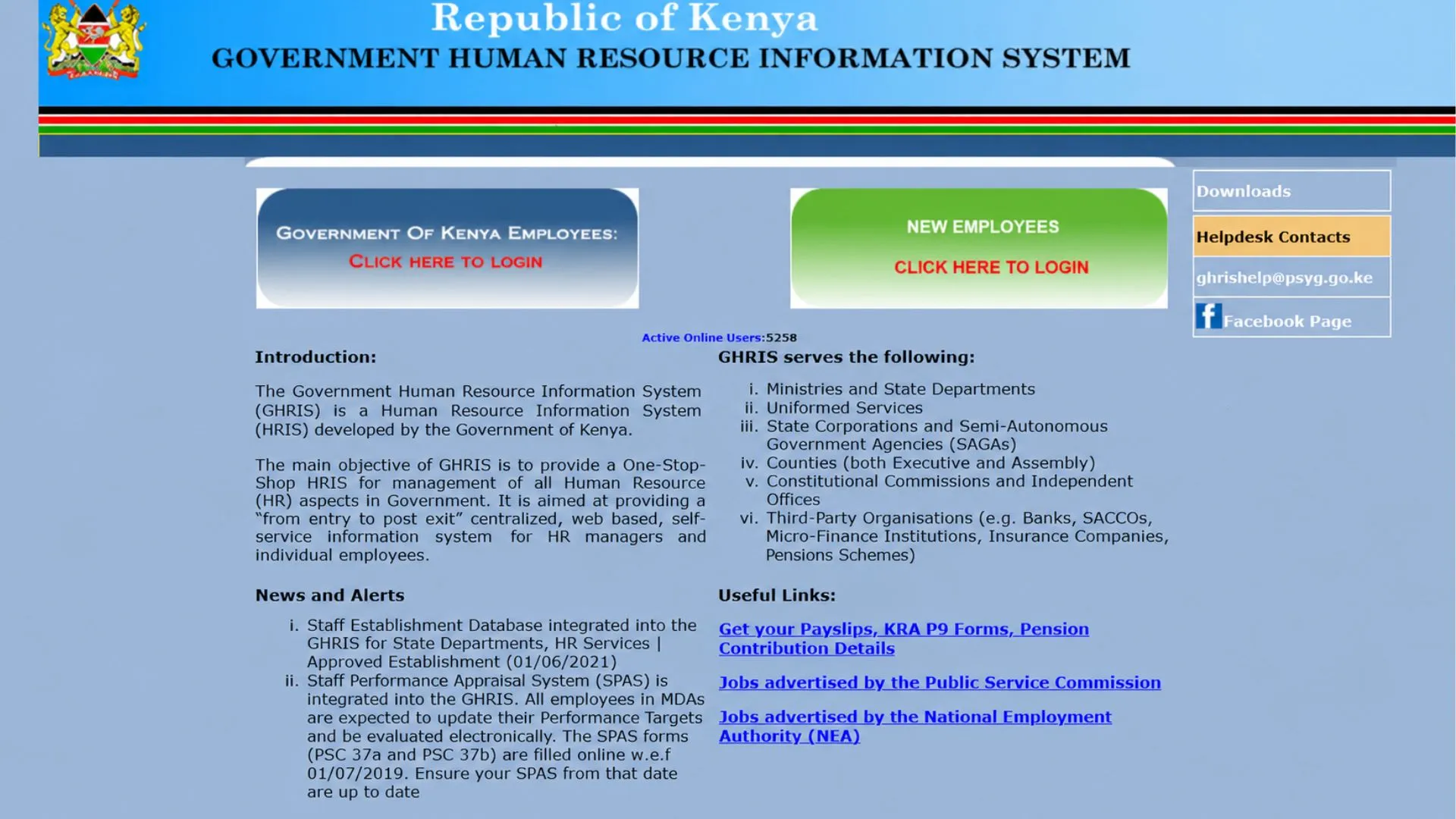
However, Kenya has been upgrading its public service payroll systems. Depending on your institution and employment records, you need to use either the traditional GHRIS portal or the UHR portal.
In the guide below, we will explain how GHRIS works in Kenya, where to log in, how to register, download your monthly payslip, reset your password, and fix common account problems.
What Is GHRIS and How Does It Relate to Payslips?
GHRIS stands for Government Human Resource Information System. It is a government-developed platform designed to support human resource management across Kenya’s public service.
The system helps government institutions manage employee records, recruitment information, career development, and payroll-related processes.
For employees, one of the most useful features is access to personal employment and salary information. GHRIS was introduced to improve the efficiency of public service HR administration and reduce reliance on manual recordkeeping.
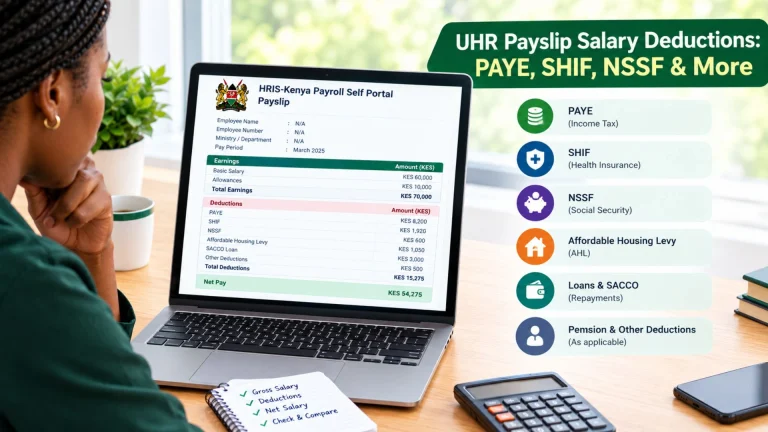
A payslip can be useful when you need to:
GHRIS Payslip Requirements
Before trying to access your payslip, gather the required information given below:
How to Register on the GHRIS Portal
First, you need to register your GHRIS account before accessing online services.
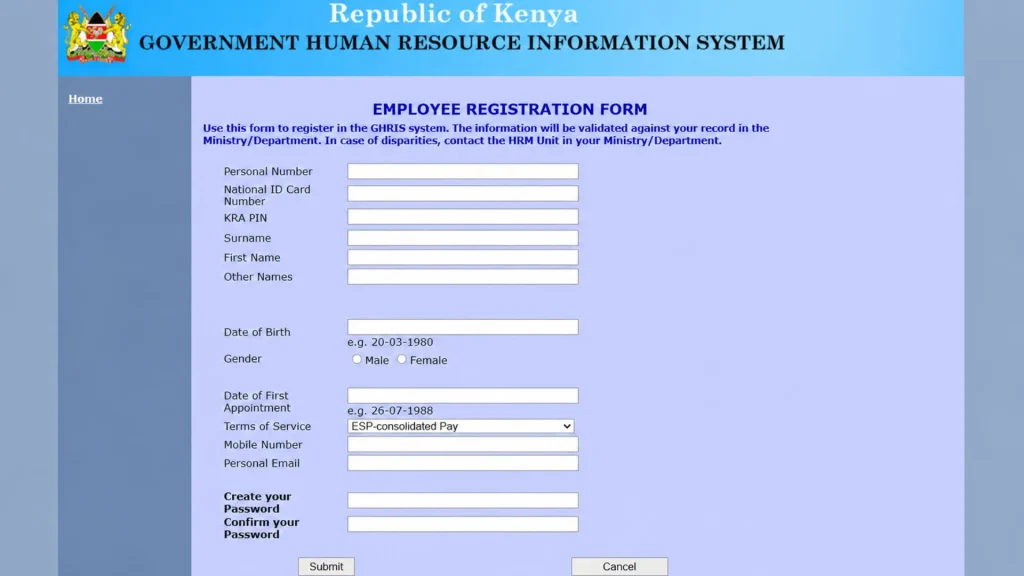
Follow the steps given below:
- Visit the Official GHRIS Website: Open the GHRIS login page.
- Open the registration form: Look for a “new employee register here” option on the official portal. Click on it.
- Follow the Portal Instructions: After clicking on it, you will be redirected to the registration form. Fill it out carefully.
- Create a password: Set a new password that you haven’t used before, then click Submit.
- Access Your Account: Once your registration is complete, return to the appropriate login page and use the credentials assigned to your account.
Note for GHRIS new employee: Newly appointed employees can also be directed to HRIS-Kenya onboarding arrangements. If the GHRIS page doesn’t recognise your details, confirm the correct registration route with your ministry or department’s HR office.
How to Log In to GHRIS in Kenya
Once your account is active, you can visit the official login page, which is commonly displayed as MSPS Online Services.
For existing government employees, you’ve to visit the traditional GHRIS login page: ghris.go.ke/loginonly.aspx. Enter your registered User ID and password, then click the login button.
For newly appointed employees, visit the new employees login page: ghris.go.ke/UPNLoginonlyNewlyAppt.aspx. Enter the credentials established or activated for your account. Follow the instructions on the page.
How to Download Your Government Payslip Online
If your employer provides access through the online payroll portal, you can usually get the document without visiting the office.
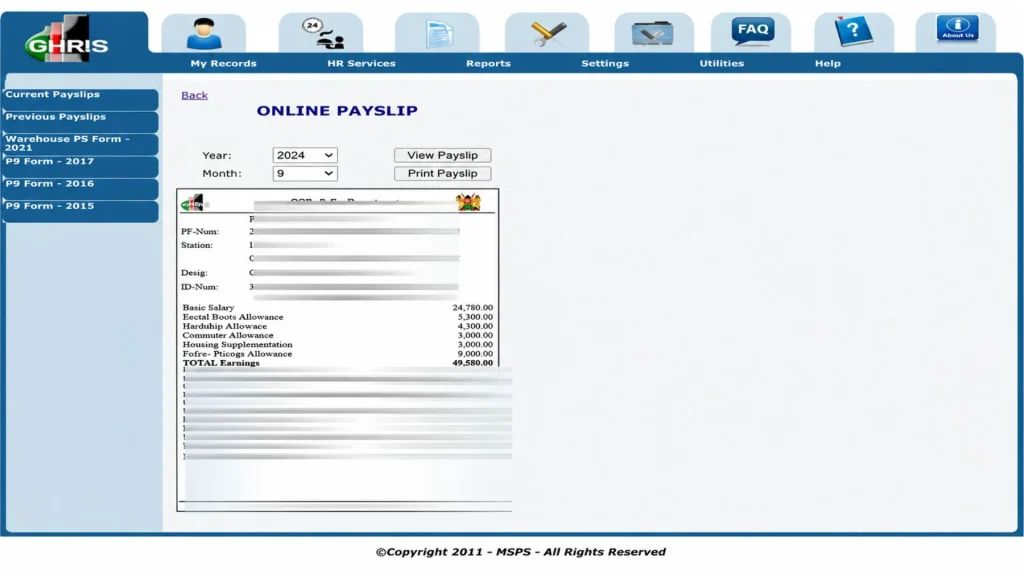
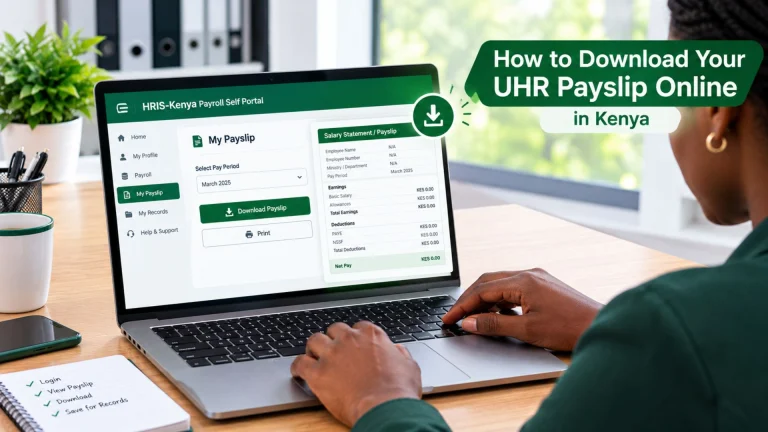
The GHRIS payslip download process is easy. Follow these steps:
- Open the GHRIS portal and sign in using your User ID and password.
- From your dashboard, click the My Records option.
- Choose My Payslip from the dropdown menu.
- Click the Current Payslip option on the left side of the dashboard.
- Select the required month and year, then click View Payslip.
- Review your salary details and save the payslip to your device using the available download option.
Note: If you can’t find the payslip, contact your payroll office to confirm which system your institution currently uses.
How to Reset Your GHRIS Password
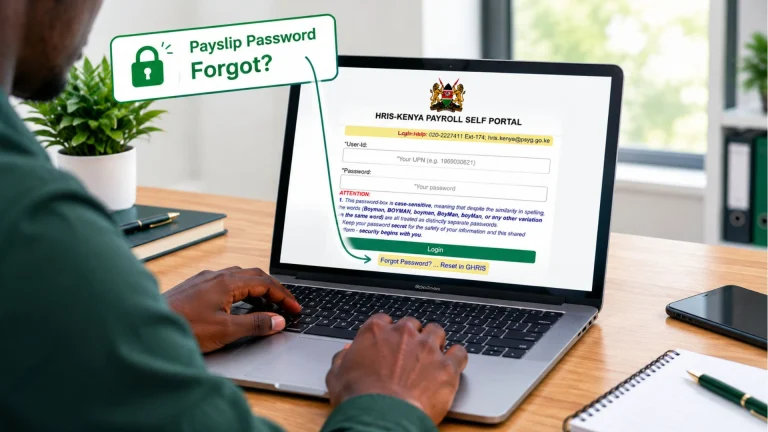
The official HRIS-Kenya payroll login page includes a Forgot Password? option that directs users to GHRIS for password recovery.
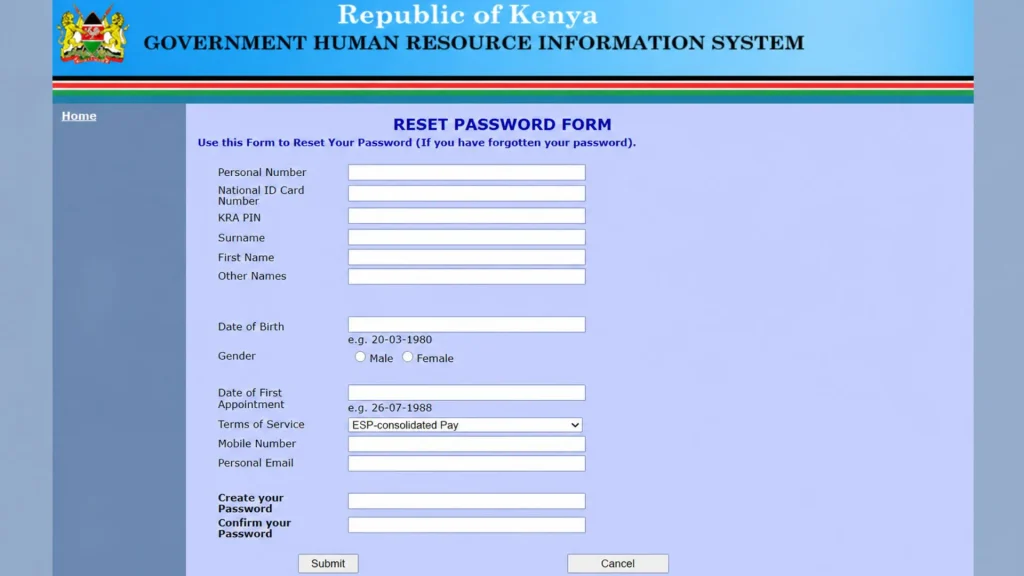
Here are a few steps to follow:
If you’re a newly appointed employee, the password recovery options available to you differ from those for existing employees. Start with the portal assigned to your account and follow the recovery instructions shown there.
Depending on the process, you are asked to provide your personal number, national ID, KRA PIN, or other registered information.
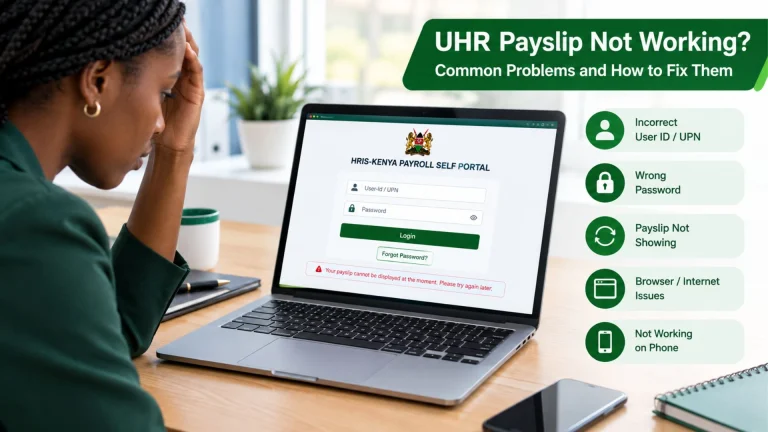
Common GHRIS Payslip Login Problems and How to Fix Them
Here are some common problems users face and solutions to fix them:
Incorrect Password
If the portal rejects your password, check whether Caps Lock is enabled and make sure you’re entering the correct characters.
If you still can’t log in, use the official password recovery option.
Invalid UPN or Personal Number
Make sure you’re using the same number that you entered during your registration.
The newer HRIS-Kenya payroll portal asks for a UPN, while existing GHRIS pages use a different employee identifier. If you’re unsure which number to use, ask your HR office.
GHRIS Website Not Opening
Start by checking your internet connection. You can also try refreshing the page, using another browser, or opening the website again later.
If the problem continues, confirm whether your institution has moved its payroll services to HRIS-Kenya or whether the government portal is temporarily unavailable.
Payslip Not Showing
If you’ve logged in successfully but can’t find your salary statement, check whether you’re using the correct payroll portal. Also confirm the selected month and year.
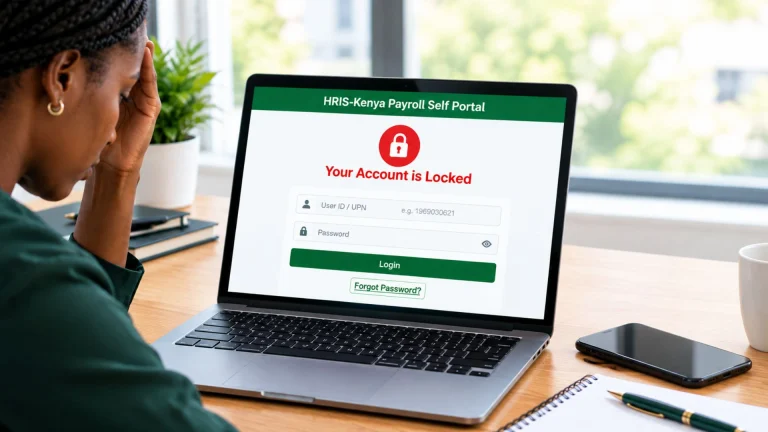
Account Locked or Restricted
If your account is restricted, follow any recovery instructions displayed on the screen.
If no self-service option is available, contact your HR administrator or the official helpdesk.
Download Button Not Working
Try allowing the document to open in your browser, checking whether a pop-up was blocked, or using another supported browser.
If the document opens but doesn’t download, check whether your browser provides a save or print-to-PDF option.
Incorrect Salary Details
A payslip showing an unexpected deduction or incorrect amount should be reported to your payroll department.
Keep a copy of the statement and explain which figure appears incorrect.
How to Update Personal Details in GHRIS
Government employees sometimes need to correct or update their contact information or employment records.
GHRIS supports employee profile management, although the information an individual can change depends on the system’s permissions.
To check your profile:
If a field is locked, contact your HR department and ask about the approved procedure for correcting the record.
Changes to official employment details, job information, or payroll records require approval from an authorised HR or payroll officer. The options available to you can differ between traditional GHRIS and HRIS-Kenya.
Benefits of Using GHRIS Kenya
Using the GHRIS portal offers several benefits:
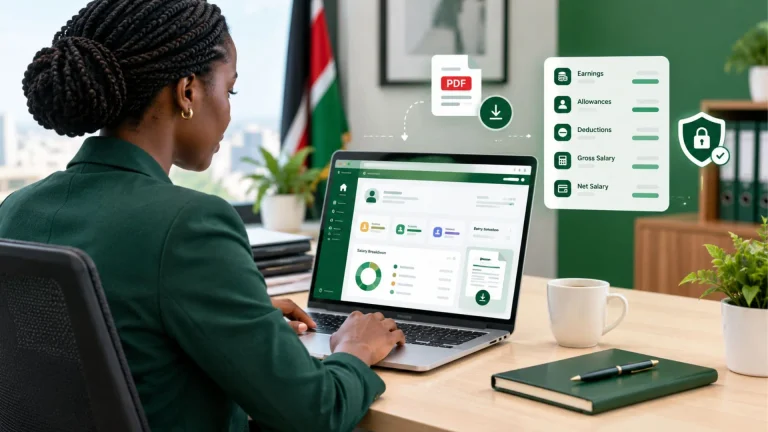
Convenient Access to Salary Information
One of the biggest advantages of online payroll services is that you don’t have to request a printed statement every time you need to check your salary.
You can access supported services from your phone or computer whenever the portal is available. Access to public servants payslips online makes it easier to check their salary details.
Less Paperwork
Digital salary statements reduce the need to handle physical copies for every payroll inquiry. You can save your documents and print only when necessary.
Easier Salary Tracking
Having access to payslips helps you compare monthly earnings and deductions.
For example, if your net salary changes unexpectedly, reviewing the current and previous statements can help you identify which figures changed.
Useful for Financial Applications
Banks, SACCOs, and other institutions can request salary evidence when evaluating an application.
A downloadable payslip can make it easier to prepare the required paperwork.
Better Employee Record Management
Digital HR systems can help employees and authorised HR officers review information more efficiently.
The government’s wider HRIS-Kenya transition is also intended to strengthen payroll administration, improve employee record management, and support better oversight of public service salary payments.
Can You Access GHRIS Payslip on a Mobile Phone?
Yes, GHRIS is web-based, and eligible users can access supported services through a mobile browser. You don’t necessarily need a laptop to check your account.
Open Chrome, Safari, or another browser on your phone and visit the correct official government website. Enter your login credentials, then go to the available employee or payroll services.
GHRIS Kenya Contacts and Support
If you experience problems accessing the HRIS-Kenya payroll self-service portal, the official login page lists the following support contacts:
Phone: +254-724-253807
Email: [email protected]
You can also contact your ministry or department’s HR office for help with account activation, employee records, and payroll issues.
Conclusion
Accessing your GHRIS payslip 2026 in Kenya becomes much easier once you know which government portal to use. If you’re registering for the first time, start with the official GHRIS website and follow the employee account instructions. If you already have an account and need your salary statement, use the payroll self-service portal assigned to your institution.
Keep your login credentials private, check your payslip carefully, and contact your HR department whenever you notice incorrect information or cannot access a required document.