GOK Payslip: How to View, Download, and Check Your Government Payslip Online
Getting your monthly salary is one thing, but checking exactly how that salary was calculated is just as important. If you work for the Government of Kenya, your GOK payslip clearly breaks down your salary, allowances, deductions, and the amount you actually receive.
The good news is that you do not have to depend on a printed copy every month. Eligible Government of Kenya employees can access their payslip online through the HR/payroll system applicable to their organization.
However, the process can be confusing if you are not sure which portal to use, where to find your payslip, or how the GOK payslip login works. This guide explains the GOK payslip process in simple steps, including how to log in, download your payslip, understand the information on it, and handle common problems.
What Is a GOK Payslip?
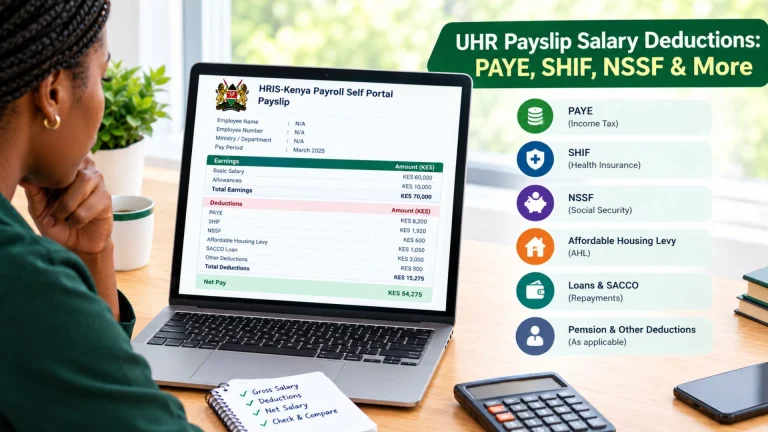
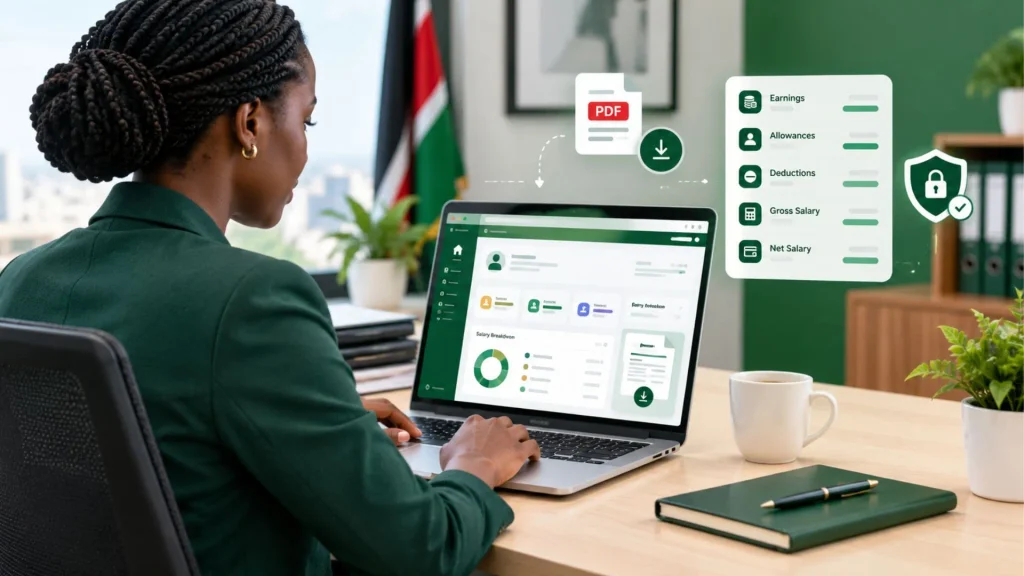
It is a salary statement showing an employee’s earnings and applicable deductions for a particular pay period. It records how your salary was calculated for a particular month. Depending on your employment and payroll setup, the payslip can show details such as:
Where to Access Your GOK Payslip Online
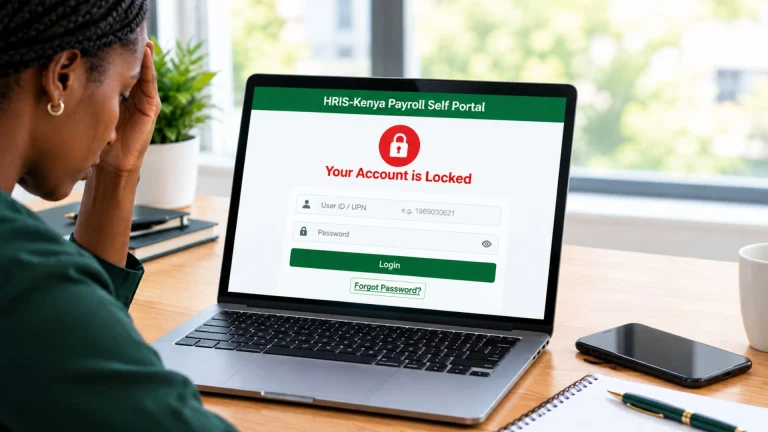
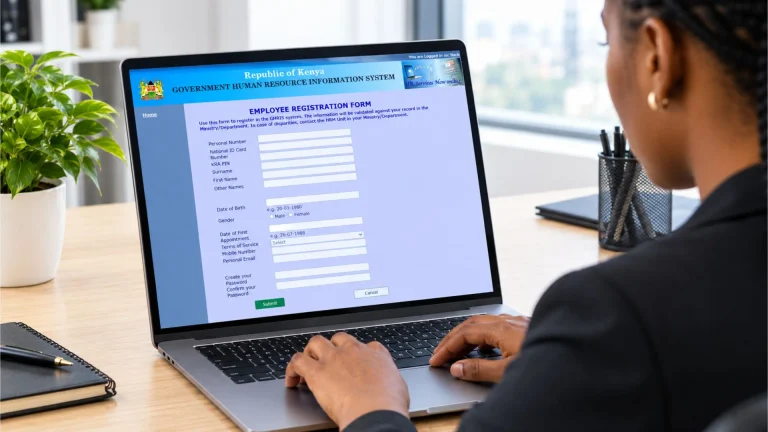
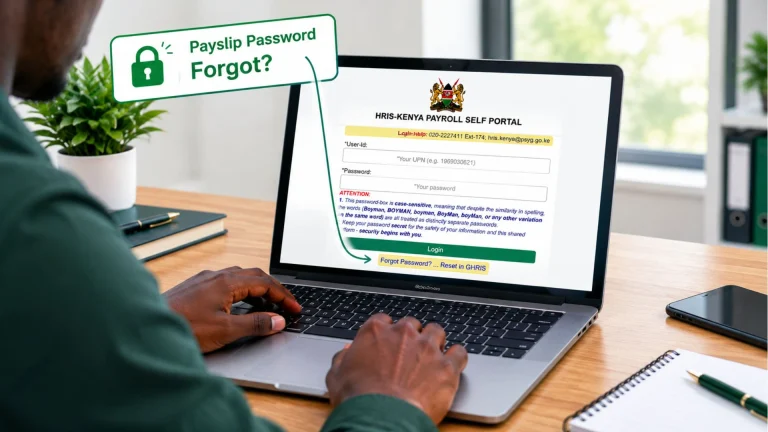
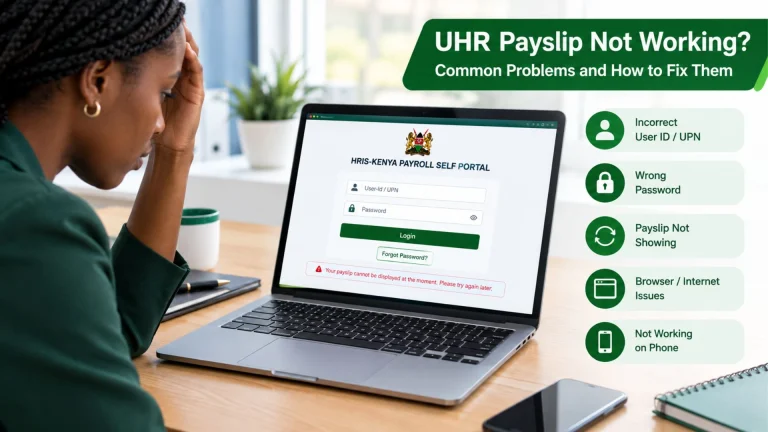
If you are an eligible Government of Kenya employee, the portal you use to access your payslip depends on your organization’s HR and payroll system. Some Government of Kenya employees may access payroll information through the HRIS-Kenya Payroll Self Portal, while GHRIS and other applicable systems may be used for different government HR services.
If you are unsure which portal to use, check with your HR or payroll department rather than creating a new account on another system.
How to Log In and Check Your GOK Payslip
If your payslip is available through your organization’s assigned government HR/payroll system, the general process is as follows:
- Visit the official government HR/payroll portal applicable to your organization.
- Use the credentials provided for your government HR/payroll account. Depending on the system, you can be asked for information such as your:
- If you have already created an account, use your existing login details rather than creating another account unnecessarily.
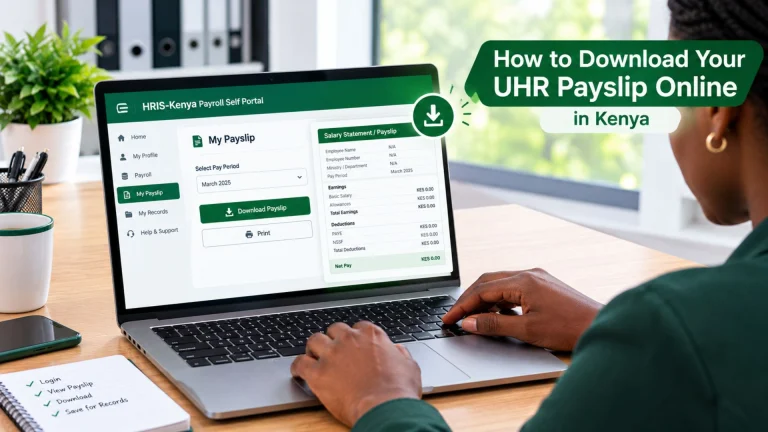
- After logging in, look through the dashboard for an option related to: Payslip, My Payslip, Payroll, Salary Slip, or My Records.
- Once you reach the payslip section, select the month and year you want to view.
- Open the payslip and check the information carefully. If the system provides a download or print option, you can save the payslip as a PDF.
Why Is Your GOK Payslip Important?
Your payslip can be useful in several situations.
Checking Your Monthly Salary
The easiest reason to check your payslip is to make sure your salary has been processed correctly. You can compare your current payslip with previous months and notice changes in:
Proof of Income
You can request a payslip when you need to demonstrate your employment income. For example, a financial institution can ask for recent payslips as part of an application.
Understanding Salary Deductions
Your payslip shows where your salary goes, rather than just the amount deposited into your bank account.
Keeping Personal Records
Saving your payslips gives you a useful record of your employment and salary history. It is a good idea to keep important salary documents securely rather than relying entirely on an online portal.
Benefits of Accessing Your GOK Payslip Online
The GOK payslip system makes it easier for government employees to access and manage their salary information without depending entirely on printed payslips. Some of its benefits include:
GOK Payslip vs UHR vs GHRIS: What’s the Difference?
People often search for GOK payslip, UHR payslip, and GHRIS payslip as if they are three different salary documents.
The easiest way to understand them is that the Government of Kenya payslip refers to the salary statement itself, while GHRIS and UHR refer to government HR systems used to access employee and payroll-related services.
|
Feature |
GOK Payslip |
UHR |
GHRIS |
|---|---|---|---|
|
What is it? |
A government employee’s salary statement |
A government payroll self-service portal |
Government Human Resource Information System |
|
Main purpose |
Shows salary, allowances, deductions, and net pay |
Provides access to available payroll information and payslip services |
Provides government HR-related services and employee information |
|
Is it a payslip? |
Yes |
No, it is a portal/system |
No, it is a system |
|
Relationship to salary |
The actual salary statement |
Used to access available payroll information |
Supports broader government HR functions |
|
Login/service relationship |
Depends on the applicable payroll system |
Current portal uses UPN/User ID and password |
Used for applicable government HR services, including password-reset functionality linked from the UHR portal |
Scroll or swipe horizontally to view the entire table.
Conclusion
Your GOK payslip is more than just a monthly salary record. It helps you understand your earnings, allowances, deductions, and take-home pay.
If you cannot access your payslip, first check which HR or payroll system your organization uses. The current HRIS-Kenya Payroll Self Portal provides payroll self-service access, while GHRIS supports broader government HR-related services.
Once you have access, review your payslip each month and keep important salary records securely for your personal and financial needs.