UHR Account Locked: Why It Happens and How to Unlock Your Account
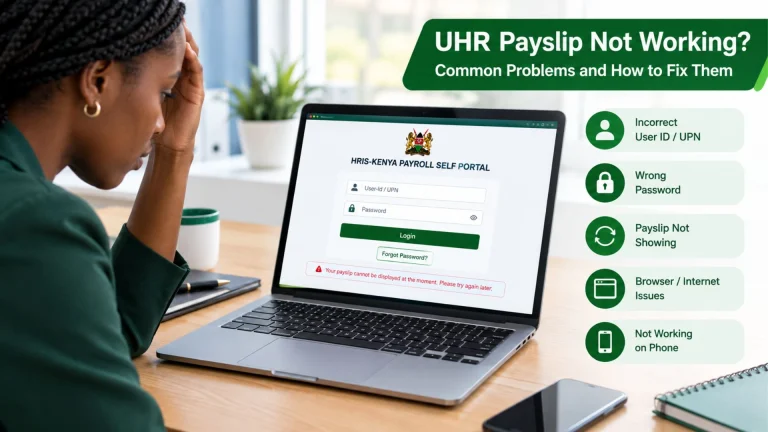
You’re trying to check your payslip, but instead of getting into your UHR account, you’re stuck with an “account locked” message. It can be a real hassle, especially when you need your salary details right away.
But a UHR account lock doesn’t necessarily mean you’ve lost access to your payslip or payroll information permanently. In many cases, you can regain access by checking your login details, using the password recovery option, or contacting your HR administrator if the lock needs to be cleared manually.
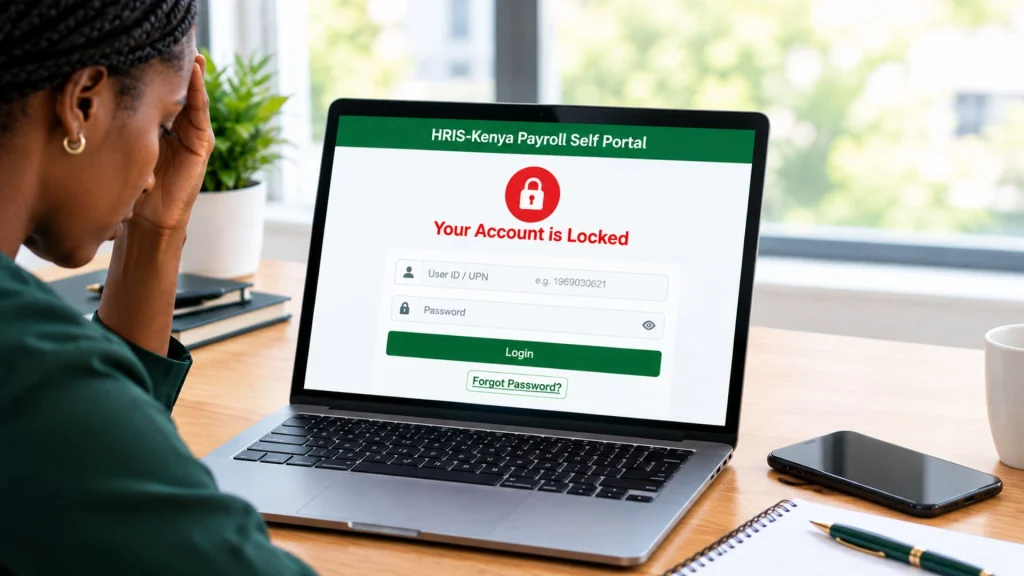
In this guide, we’ll explain why your UHR account may be locked and how you can regain access.
What Does “UHR Account Locked” Mean?
A locked UHR account simply means that the system is currently preventing you from signing in.
This is normally a security measure designed to protect employee information. Your UHR or government payroll account can provide access to sensitive employment and salary information, so login systems can restrict access after repeated unsuccessful attempts or when account assistance is required.
Why Is My UHR Account Locked?
Your UHR account may be locked for different reasons. Some of the most common include:
Too Many Incorrect Password Attempts
If you enter the wrong password several times, your UHR account may be temporarily restricted.
For example, you enter an incorrect password several times because you forgot the exact combination of letters, numbers, or special characters. If the system detects repeated failed attempts, it can temporarily restrict further logins.
Your Password Is Case-Sensitive
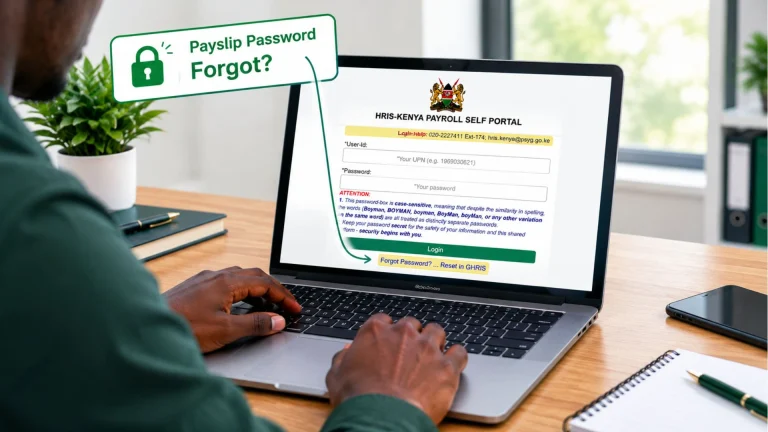
A common mistake is entering the correct password with the wrong capitalization. The official HRIS-Kenya login page specifically states that the password field is case-sensitive.
Before trying again, check your Caps Lock, keyboard language, and whether your browser has automatically changed or filled in an old password.
Your Browser Saved an Old Password
If you recently changed your password, your browser can continue filling in the previous one.
This can cause repeated failed login attempts even though you believe you are entering the correct credentials. Try deleting the saved password for the relevant portal and enter the current password manually.
You Have Forgotten Your Password
Sometimes the account becomes inaccessible simply because you cannot remember the correct password. In that situation, repeatedly guessing passwords is not a good idea. Instead, use the available password recovery option.
The current government login page provides a “Forgot Password?” option and directs users to reset the password through GHRIS.
Your Account Requires HR Assistance
If self-service recovery does not work, your HR or payroll administrator needs to check your account.
This can happen when your registered information needs updating, you no longer have access to the contact information associated with the account, or the account requires administrative assistance.
How to Unlock a UHR Account
If your UHR account is locked, do not keep entering random passwords. Instead, work through the following methods.
Method 1: Stop Trying to Log In Repeatedly
If you have already received an account-lock message, give the system a break. Repeatedly submitting the same incorrect credentials is unlikely to solve the problem and keeps you from determining whether the issue is temporary or requires assistance.
Take a moment to verify your User ID and password before trying to log in again.
Method 2: Check Your User ID and Password
Before resetting anything, make sure you are using the correct login details. Check:
After changing your password, avoid using an older password saved in your browser.
Method 3: Use the “Forgot Password” Option
If you cannot remember your password, use the official password recovery process instead of repeatedly trying different passwords. If you’ve forgotten your password, the current HRIS-Kenya login page provides a “Forgot Password” option and directs you to GHRIS to reset it.
The general process is:
The exact fields or verification steps can change as government systems are updated, so follow the instructions displayed on the official portal.
How Long Does a UHR Account Stay Locked?
There is no single lockout period that applies to every UHR user.
If the portal specifically tells you to contact an administrator, waiting longer cannot solve the problem.
What If the “Forgot Password” Option Does Not Work?
Password recovery cannot work if the information connected to your account is outdated or you no longer have access to the registered contact details.
For example, your phone number or email address may have changed since you created your account. In that situation, repeatedly submitting the recovery form may not resolve the underlying issue.
Contact your HR or payroll administrator and explain that you cannot complete the password-recovery process. They can help you update your records correctly and regain access to your account.
Can I Still Get My Payslip If My UHR Account Is Locked?
A locked login normally affects your access to the online account. It does not mean you should assume that your payroll records have been deleted.
Need your payslip urgently but can’t access it online? Contact your HR or payroll office to find out what alternative options are available.
If you urgently need a payslip while your UHR account is locked, contact your HR or payroll office to ask how you can obtain it while your account access is being restored.
When Should You Contact HR?
You should consider contacting your HR or payroll administrator when:
Conclusion
A UHR account locked message indicates that access to your online account is currently restricted. This does not necessarily mean that your payroll information has been deleted. Start by checking your User ID and password, especially the capitalization.
If your account is still locked or you cannot complete the recovery process, contact your HR or payroll administrator for help. Most importantly, protect your login details and use the official government portal when accessing your payroll information.