How to Download Your UHR Payslip Online in Kenya
Eligible government employees can access available payroll information online and save their payslip for personal or official use. The UHR payslip system allows eligible government employees to access their payroll information online and save their payslip for personal or official use.
Whether you want to download a UHR payslip for a bank application, loan, SACCO, financial records, or simply to keep a copy of your salary statement, you can do so online through the Government of Kenya’s HRIS-Kenya Payroll Self Portal.
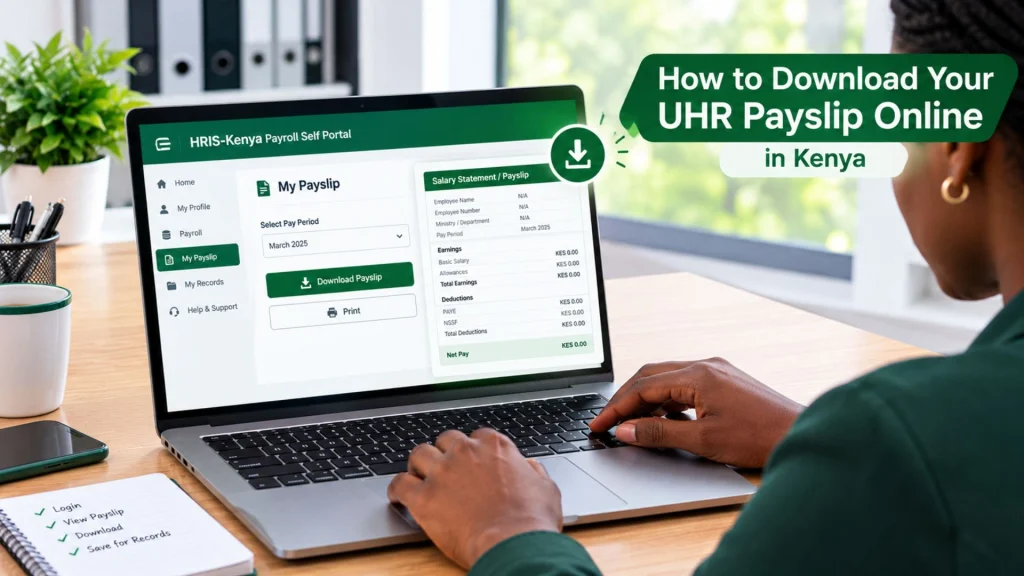
In the guide below, you’ll learn how to log in, view your payslip, download it, access previous payslips, and troubleshoot common issues.
How to Download UHR Payslip
If you’re looking for UHR Kenya go ke payslip download, you can access it through the UHR portal. It is an online salary statement for employees whose payroll information is managed through Kenya’s government human-resource and payroll systems.
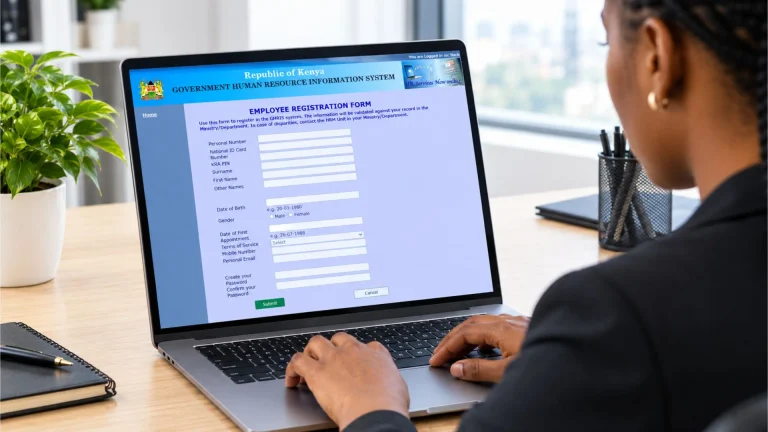
If you already have an active UHR/HRIS-Kenya payroll account, downloading your payslip is simple.
Here are a few steps to follow:
- Visit the official UHR Payslip Portal at uhr.kenya.go.ke. The official login page asks for your User ID/UPN and password.
- Enter your User ID/UPN and password in the appropriate fields. Remember that the password is case-sensitive.
- After entering your credentials, select Log In. If your details are correct, you should be taken to your HRIS-Kenya payroll account.
- Once you are inside your account, look for an option related to My Payslip, Payroll, or My Records.
- Choose the salary period you want to access. For example, if you need a particular month’s payslip, select that month and year from the available records.
- After opening the required payslip, select the available Download or Print option. If you choose Print, you may be able to select “Save as PDF” in your browser’s print settings.
Why You Should Download Your UHR Payslip
Keeping a digital copy of your salary statement saves time when you need to provide proof of income.
You need a recent online payslip for:
Instead of searching for a physical copy later, you can keep your monthly payslips in a secure folder.
How to Print Your UHR Payslip
If you need a physical copy of your salary statement, you can print your UHR payslip directly from the HRIS-Kenya payroll portal or print the PDF after downloading it.
If there is no direct print option, download the payslip as a PDF first and then open the file on your device to print it.
What to Do If You Cannot Download Your UHR Payslip
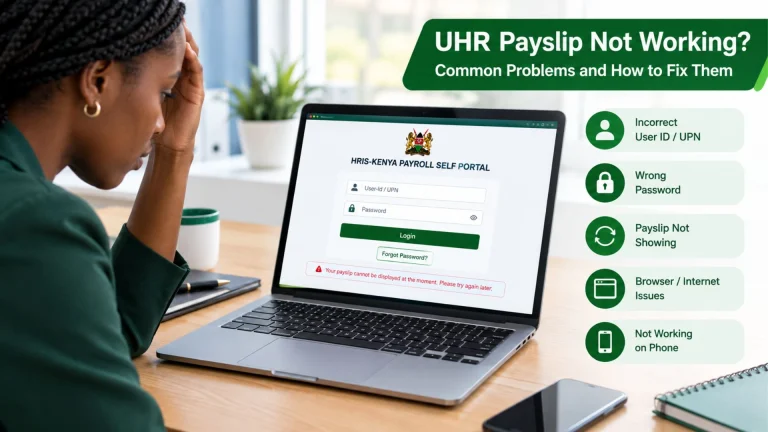
Sometimes the problem isn’t with the payslip itself. Incorrect login details, browser issues, a temporary portal problem, or an account-related issue can cause this.
Try these solutions.
Check Your User ID
A single incorrect number can prevent you from logging in. Enter your UPN/User ID carefully and avoid adding unnecessary spaces.
Check Your Password
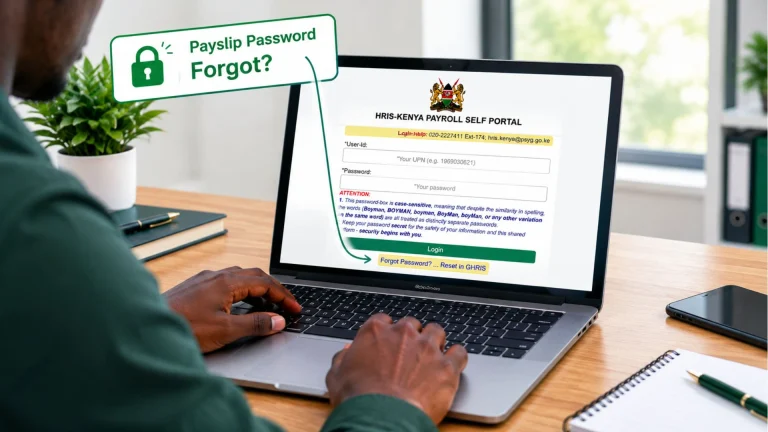
Remember that the official UHR login page states that passwords are case-sensitive. For example, changing a capital letter to lowercase can make the password invalid.
Use the Password Reset Option
If you have forgotten your password, use the password recovery option through the official system instead of creating another account.
The UHR login page currently directs users who need a reset toward the GHRIS password-reset process.
Try Another Browser
If the page does not load correctly, try an updated version of Chrome, Edge, Firefox, or another supported browser.
You can also clear your browser cache and try again.
Check Your Internet Connection
A weak or unstable connection can interrupt the login process or prevent a PDF from loading completely. Try again with a stable internet connection.
Contact Official Support
If you continue to experience account or login problems, use the contact information on the official portal.
Can I Download an Old UHR Payslip?
If previous payslips are available in your account, you can access your UHR Kenya go ke payslip online, select the relevant pay period, and download the record using the same process.
However, the number of historical payslips available can depend on the records associated with your account and the system’s current configuration.
If you cannot find an older payslip that you need, contact your HR or payroll department for guidance on how to obtain the historical record.
Conclusion
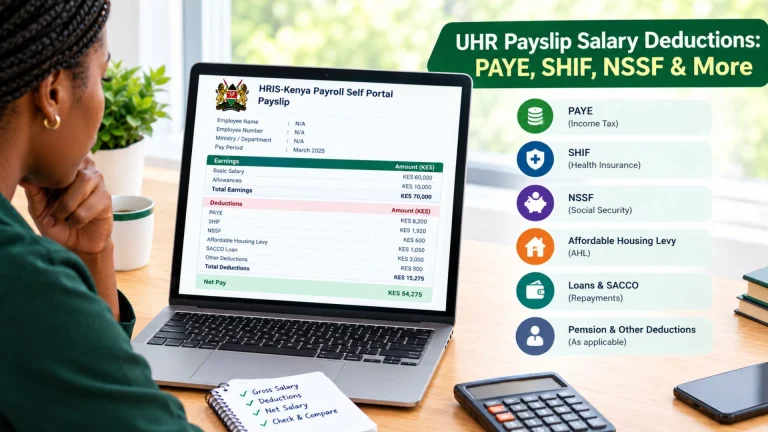
Downloading your salary statement should not be complicated. Once your UHR/HRIS-Kenya account is active, you can log in, select the relevant payroll period, view your salary information, and save the available payslip for your records.
Most importantly, use the official Government of Kenya portal and protect your login credentials. The current UHR portal identifies itself as the HRIS-Kenya Payroll Self Portal, so always check the official address before entering your User ID or password.